Horror Interaction & Dialogue System – Unreal Engine
A downloadable asset pack
Story-Driven Horror Game Toolkit
Build immersive, story-driven horror games faster with this all-in-one interaction and dialogue framework. This system combines an advanced dialogue engine with unique horror-focused mechanics, giving you the tools to create tension, atmosphere, and player choice without needing to reinvent the wheel.
Key Features
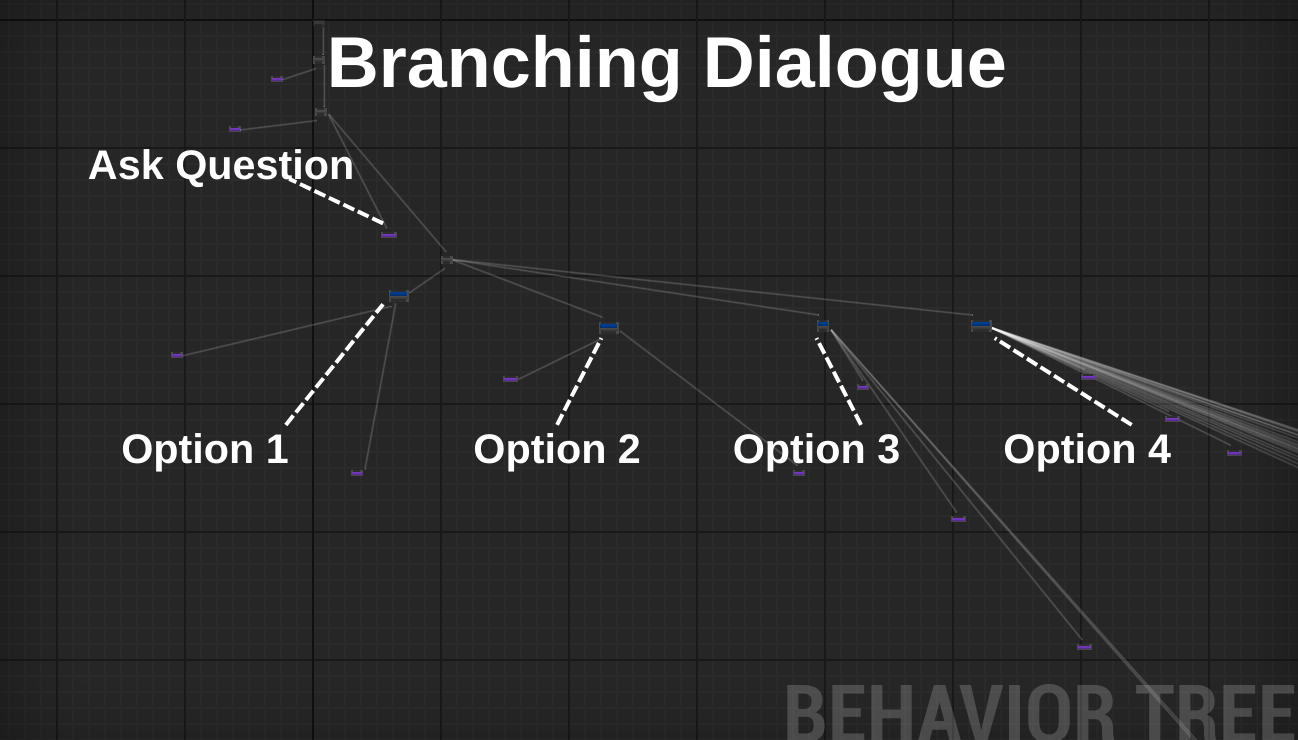
- Advanced Dialogue Engine: Built on a 50+ feature dialogue system, now expanded with horror-specific options. It supports branching paths, variable-based conditions, and seamless event triggers.
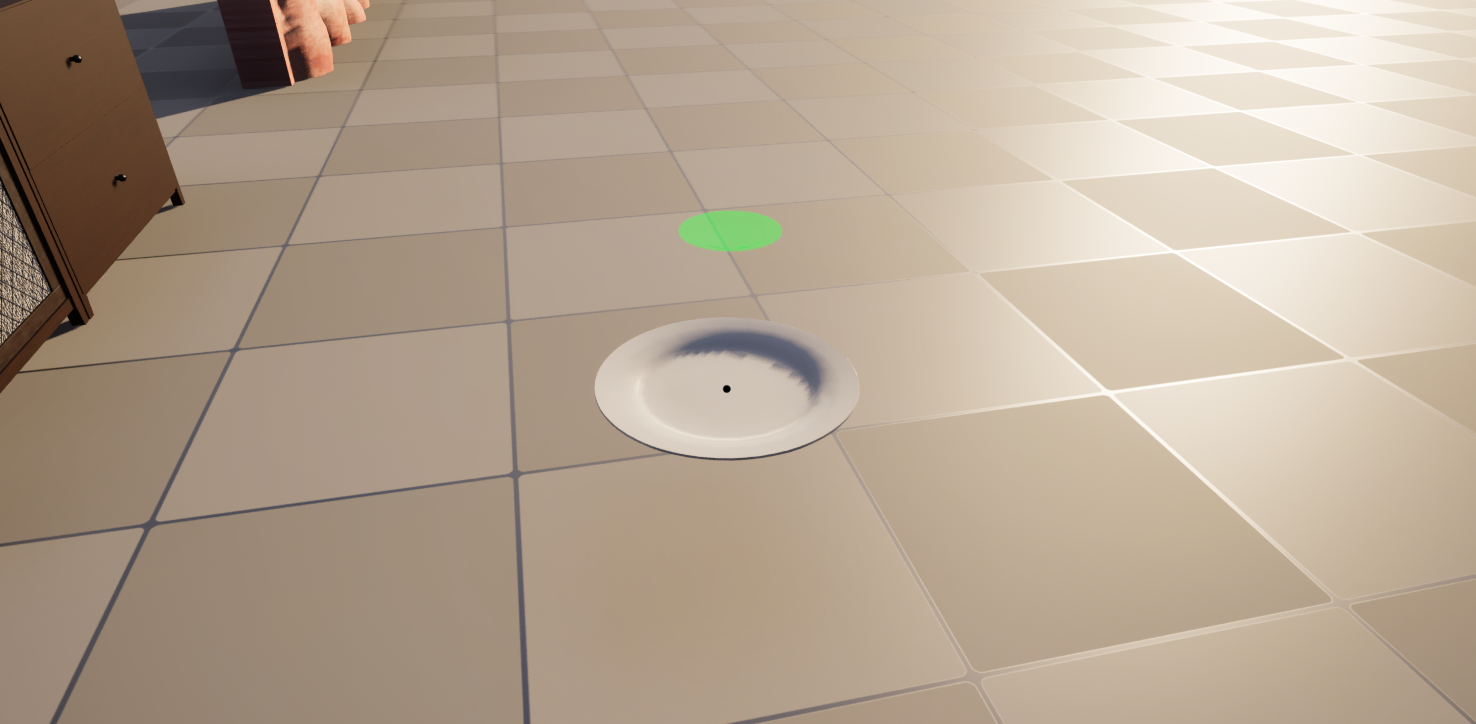
- Object Interaction & Sequencing: Drag, place, and arrange objects in a specific order (for example: place the plate before the cake). Perfect for puzzles and progression mechanics.
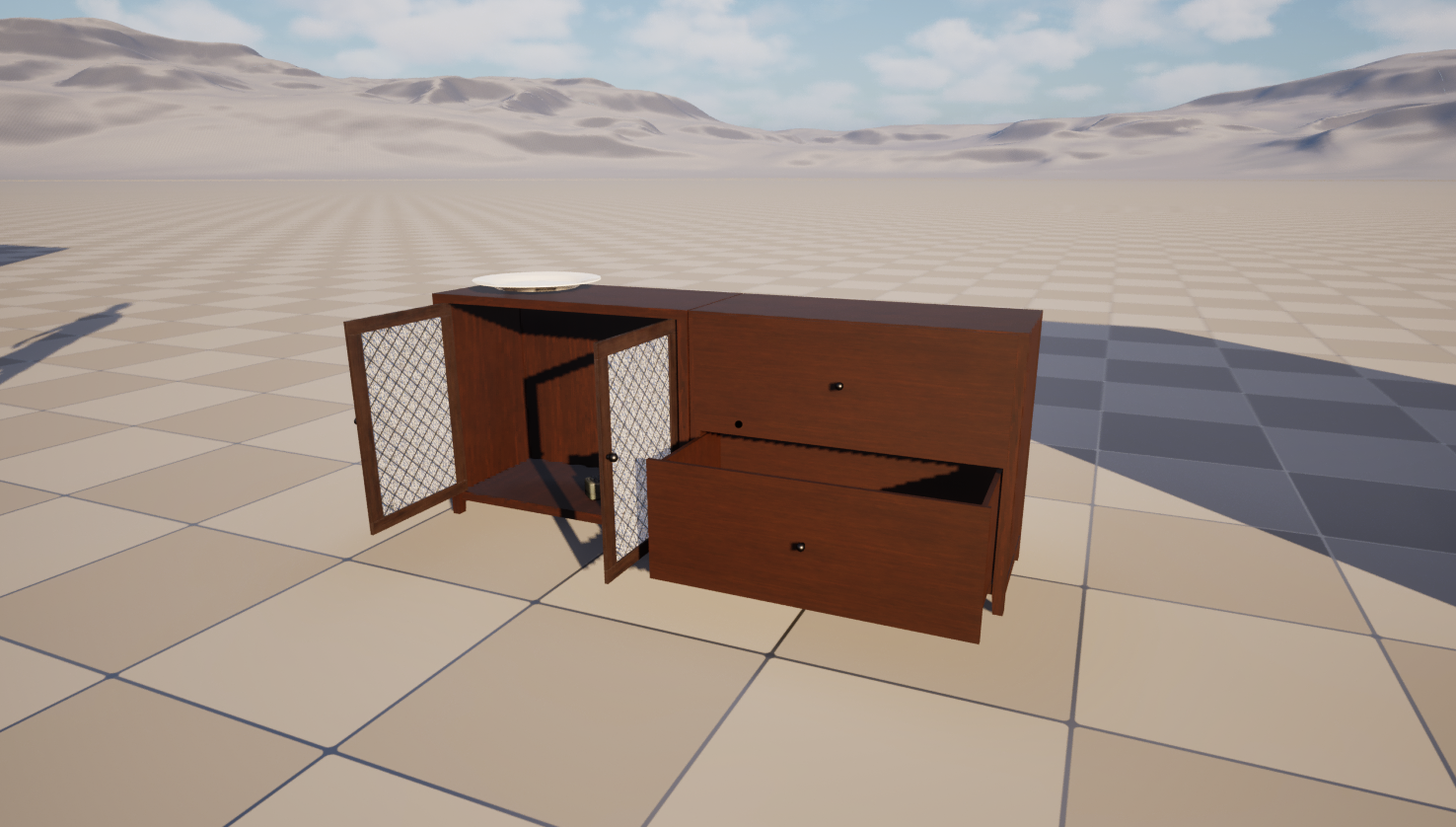
- Environment Interactions: Openable doors, cabinets, and props that deepen immersion and player control.
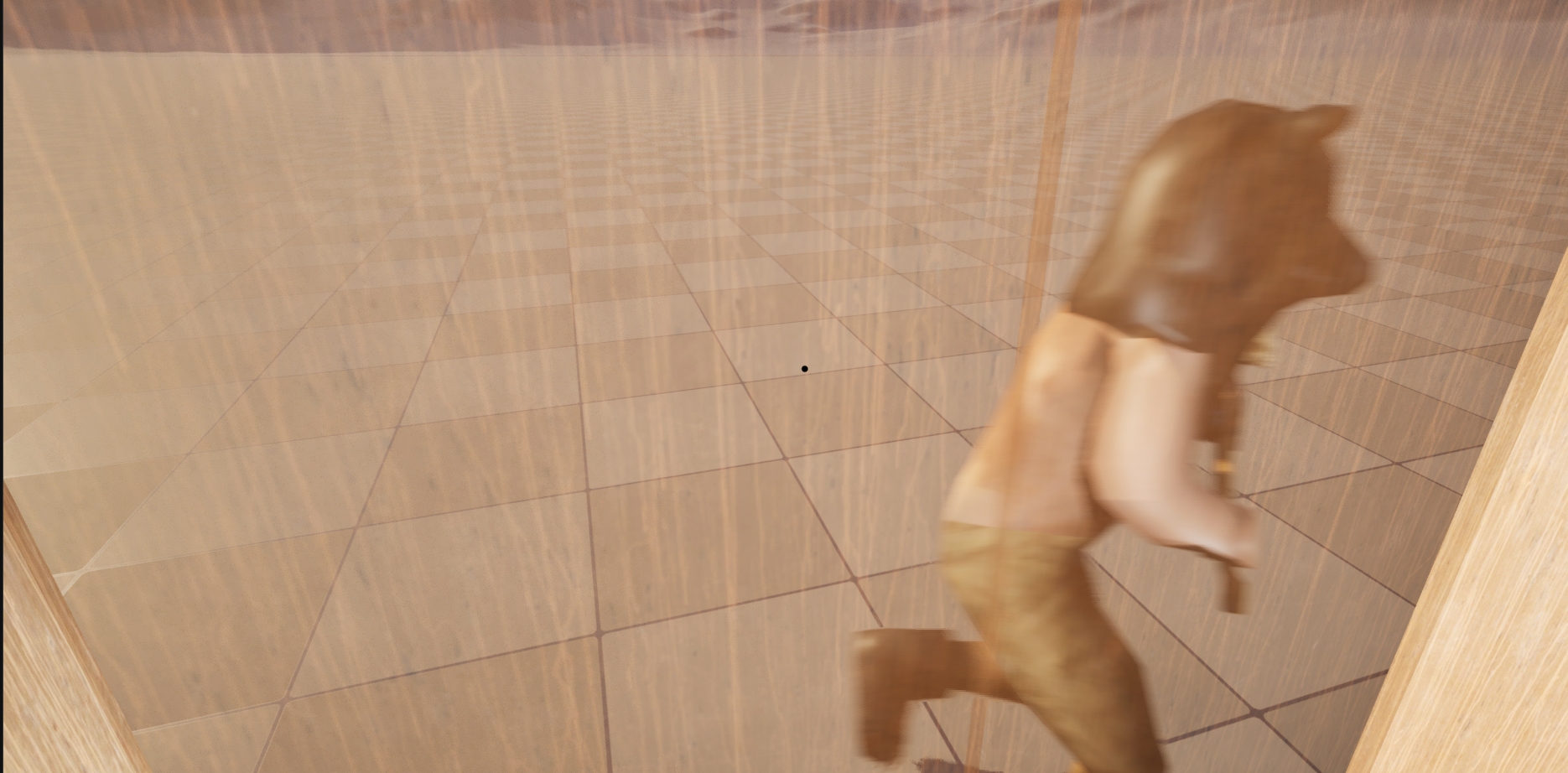
- Camera Bob: Camera shake for idle, run and walk animations.
- Customizable Notes: Note interaction together with reading widget and holding system. You can fully customize the text in the note, hold it, read it and drop it.
- Dynamic NPC AI:
- Follower AI: NPCs can follow the player through dialogue triggers or variables.
- Chase AI: Set up enemy pursuits with simple configuration.
- Interaction: Talk to NPCs with advanced dialogue or use basic hit mechanics.
- Hiding System: Enter hiding spots like closets to avoid being seen. NPC companions can hide with you for added realism.
- Dialogue Triggers: Automatically start different dialogues when entering zones with NPCs, giving each encounter variety.
- Atmospheric Additions:
- A large, eerie eye that tracks the player smoothly.
- Dynamic movement sounds that trigger only when the player moves.
Dialogue system features for anyone who is interested:
-
Create unlimited branching choices for fully dynamic conversations.
-
Customize text appearance on a line-by-line basis:
-
Change text color.
-
Select any font.
-
Adjust font size.
-
Control spacing between characters and lines.
-
Position the text anywhere on the screen.
-
-
Add text outlines and control their thickness to make lines stand out.
-
Apply effects such as text shaking to emphasize emotion or tension.
-
Control the speed of typing, from slow suspenseful reveals to rapid urgency.
-
Choose whether a line is displayed letter by letter or instantly.
-
Play typing sounds for each line, select different sound styles, and decide if the sound continues or stops after the line is finished.
-
Add custom delays for specific letters and symbols (up to 10 per line), allowing pauses, dramatic dots, or timed effects.
Timing and Flow
-
Choose whether dialogue advances with a key press or automatically by a timer.
-
Change the key that moves to the next line, fitting any control scheme.
-
Set time limits for responses: if the player doesn’t press the key in time, the system can skip to a different line automatically.
-
Keep line lengths consistent to maintain a smooth presentation.
Cinematic and Gameplay Integration
-
Move NPCs to a desired location during a line of dialogue.
-
Move the player to a specific location as part of the conversation flow.
-
Force the player or NPC to look at each other, or at any chosen location.
-
Destroy actors directly from dialogue lines, useful for dramatic or scripted moments.
-
Open new levels during dialogue, smoothly transitioning the story.
-
Change the player’s objective in the middle of dialogue.
-
Set actor transforms by tag for precise positioning.
-
Make NPCs follow the player during dialogue, and stop following when needed.
-
Force player actions like crouching and uncrouching, tied directly to dialogue events.
-
Change the dialogue tree after a line, allowing full control over story direction.
User Interface and Visual Presentation
-
Change the dialogue box at any time, including its design, shape, and placement.
-
Adjust dialogue box color and tint per line to set the mood.
-
Display custom images during dialogue.
-
Control the size and position of images on the screen.
-
Fade images in and out for smooth visual transitions.
Why Choose This System?
This asset is designed for developers who want to focus on building a horror experience without spending months on core systems. Whether you’re creating a short psychological horror game or a full survival game, this toolkit gives you a strong foundation at an affordable price.
Purchase
In order to download this asset pack you must purchase it at or above the minimum price of $20 USD. You will get access to the following files:
Development log
- Unreal Engine Horror System - New Updates73 days ago
Comments
Log in with itch.io to leave a comment.
i bought this but i don't know how to make npc appear from nowhere like jumpscare the player and starting dialogue can u explain for me i'm beginner
Im sorry im trying but still didn't understand i know i want to much but do u have a video that explain step by step?
Yes, No problem, I just recorded one just for this https://drive.google.com/file/d/1CdEpSmFOVY7-hfI2IrXNjw9f3c_mjLsZ/view?usp=sharing Here is a tutorial I just made about it, excuse my bad english, I also just got a new computer so I’m still adjusting and getting used to it Hopefully you manage to get what you want, Imma even follow you so I can see your future projects lol
love you man I really Appreciate that so muchhh thx about everything.
I’m glad I could help you out on your project! If you ever need anything else, just let me know - always happy to help and support you
Hi, I just wanted to ask does the Horror System include your other product, Dialogue System: Advanced Developer Options, or the free Dialogue System version?
Thanks in advance for your reply!
Hello! it includes the advanced developer Options, and even more added in features for the dialogue, which means that its sorta an improved version of the “Dialogue System: Advanced Developer Options” but with interactions and horror system mechanics, I hope you found this useful, and thanks for your time!
What version of unreal is this compatible with?
5.5
hey, I updated the system yesterday, and since you baught it, just keep in mind that it’s recommended to download the updates, just so you’ll have the latest version, and all the new stuff… I added drawers with attached actors, thanks for reading!
Nice! Will have a look 👍
I will update this system in the future, definitly adding more features, so please make sure to follow along if you purchase it. Thanks for your time! (make sure to download the latest update - drawer update)
Do you have a roadmap of upcoming features?😊
Not really, but I plan on making one 😄 When I’ll have one ready, I’ll definitely put it on this page.
Alright! Great :D